Forms are what clients have to deal with in various ways i.e. filling in requested information such as a date or a place or attach relevant documents.
Make sure to build set of questions and conditions via "Template" > Forms. Learn more
Click on "New Form"
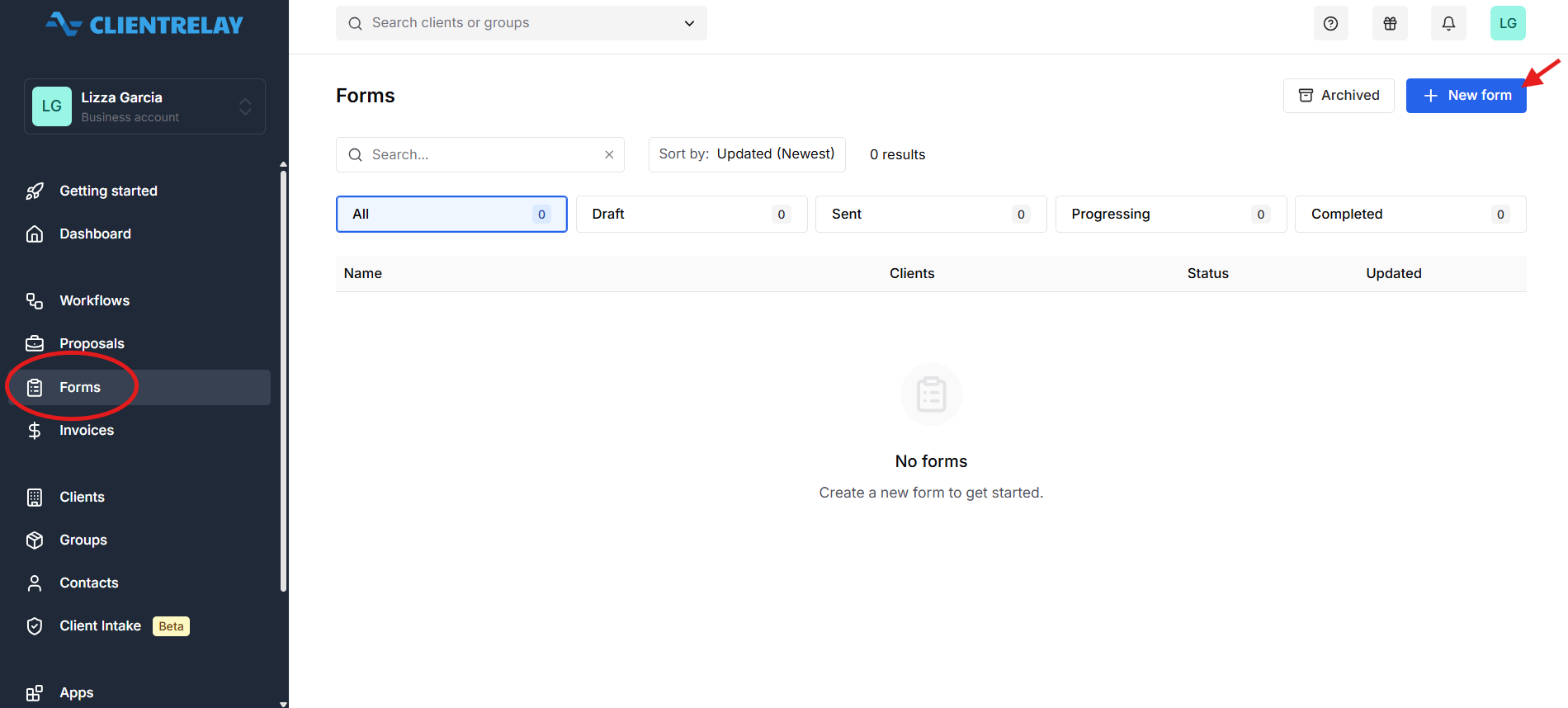
With Forms, you can:
- Create customized questionnaires tailored to your business needs.
- Send questionnaires directly to clients through the ClientRelay platform.
- Collect responses securely in one centralized location.
- Reduce manual follow-ups by streamlining the information collection process.
- Maintain accurate and organized client records for future reference.
This feature helps improve communication, increase efficiency, and ensure that all required client.
Complete the 3 steps:
1. Basic
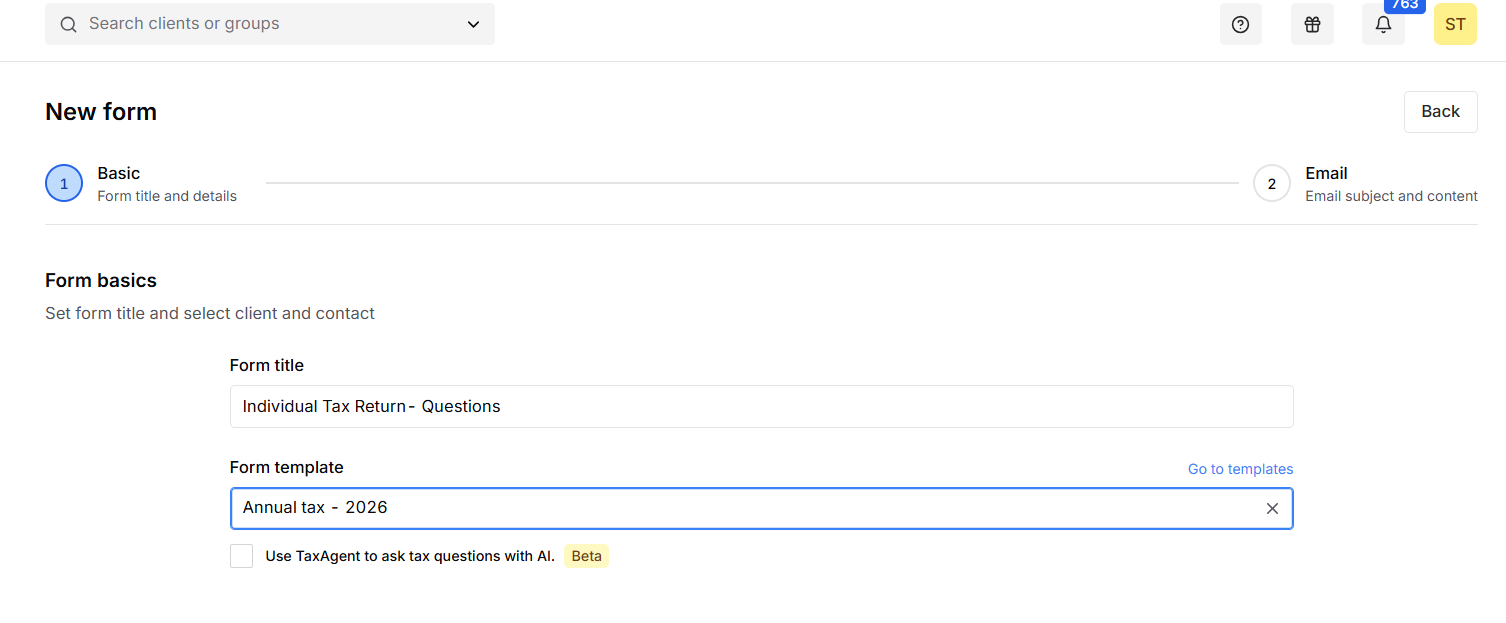
Note: "Form Template" is optional
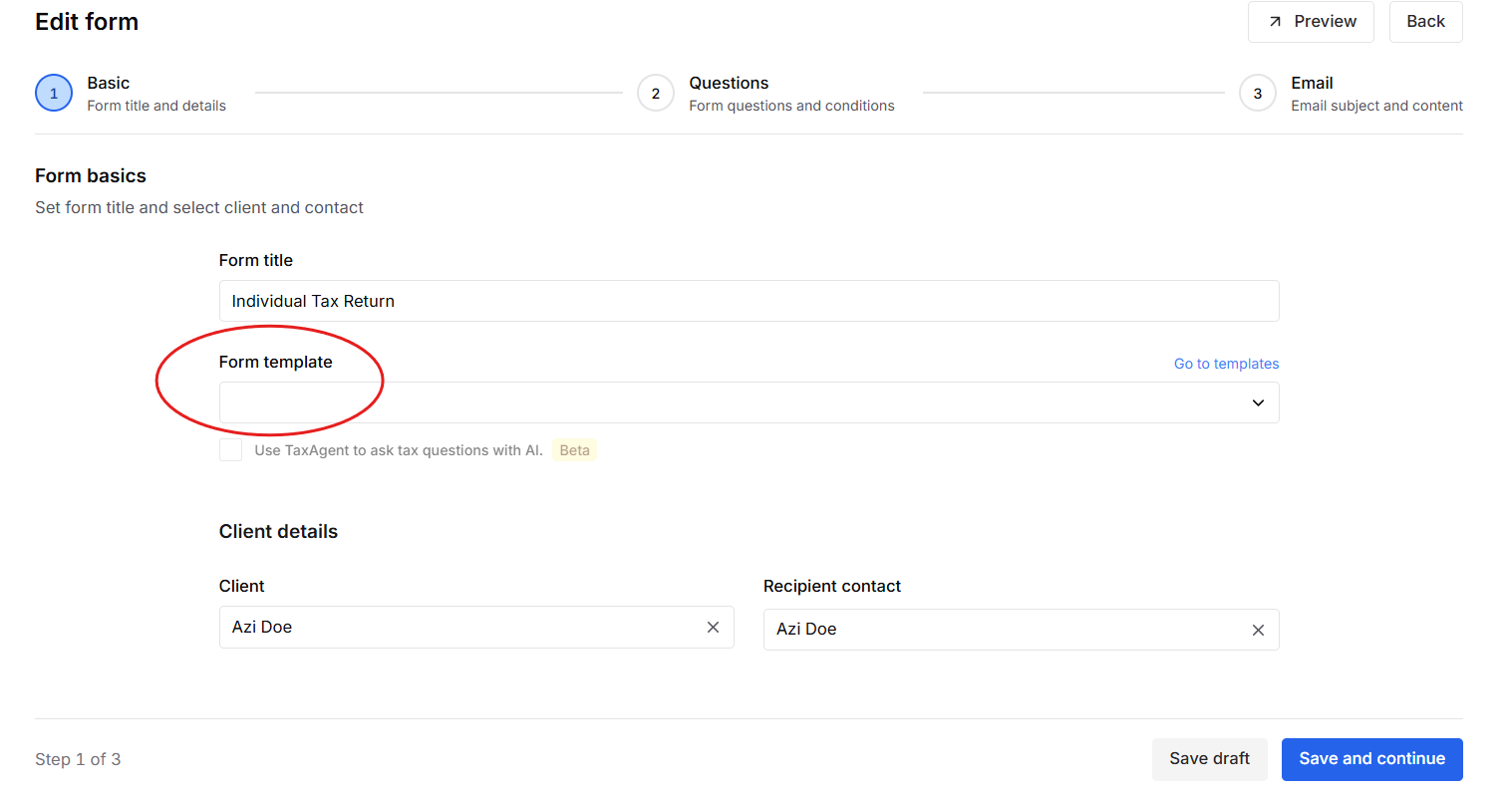
Related guide: About "Template"
2. Questions
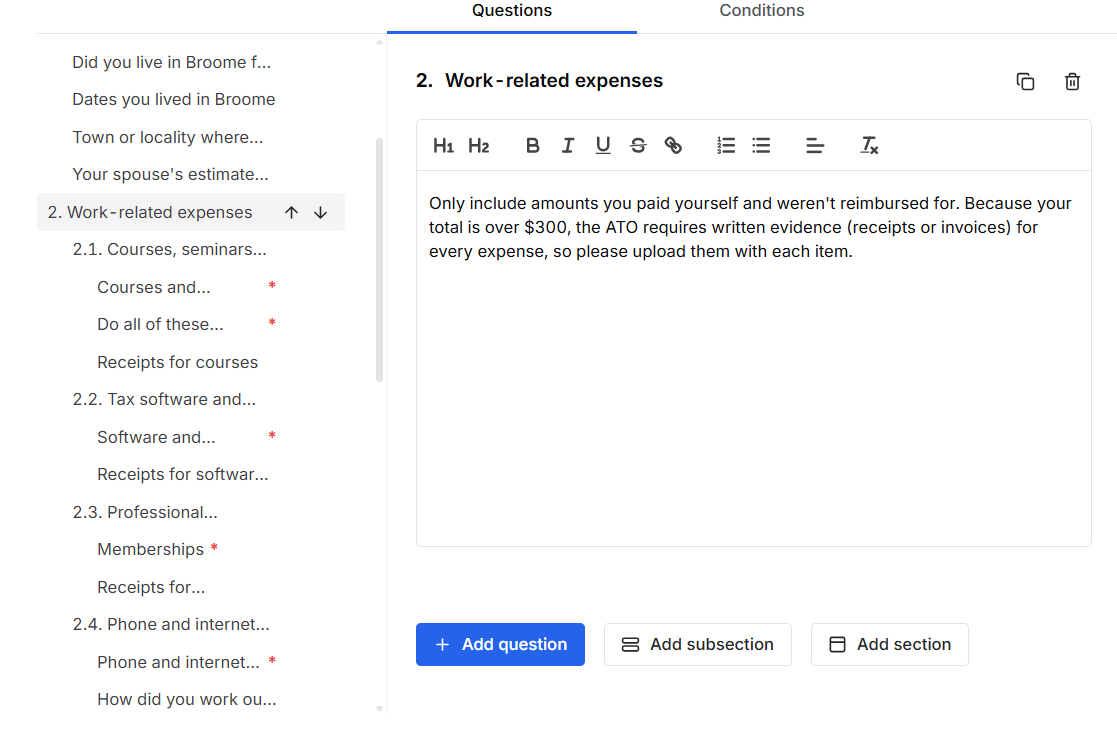
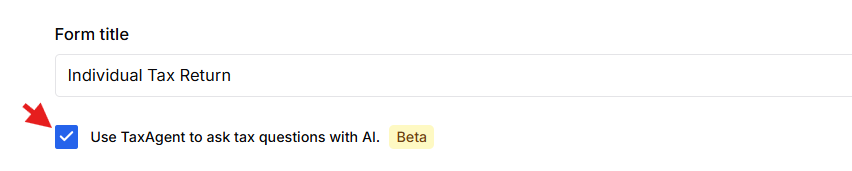
Note: Press "Use TaxAgent to ask tax questiobs with AI" clients are redirected to TaxAgent to complete the Q&A instead of filling out a static form. Learn more
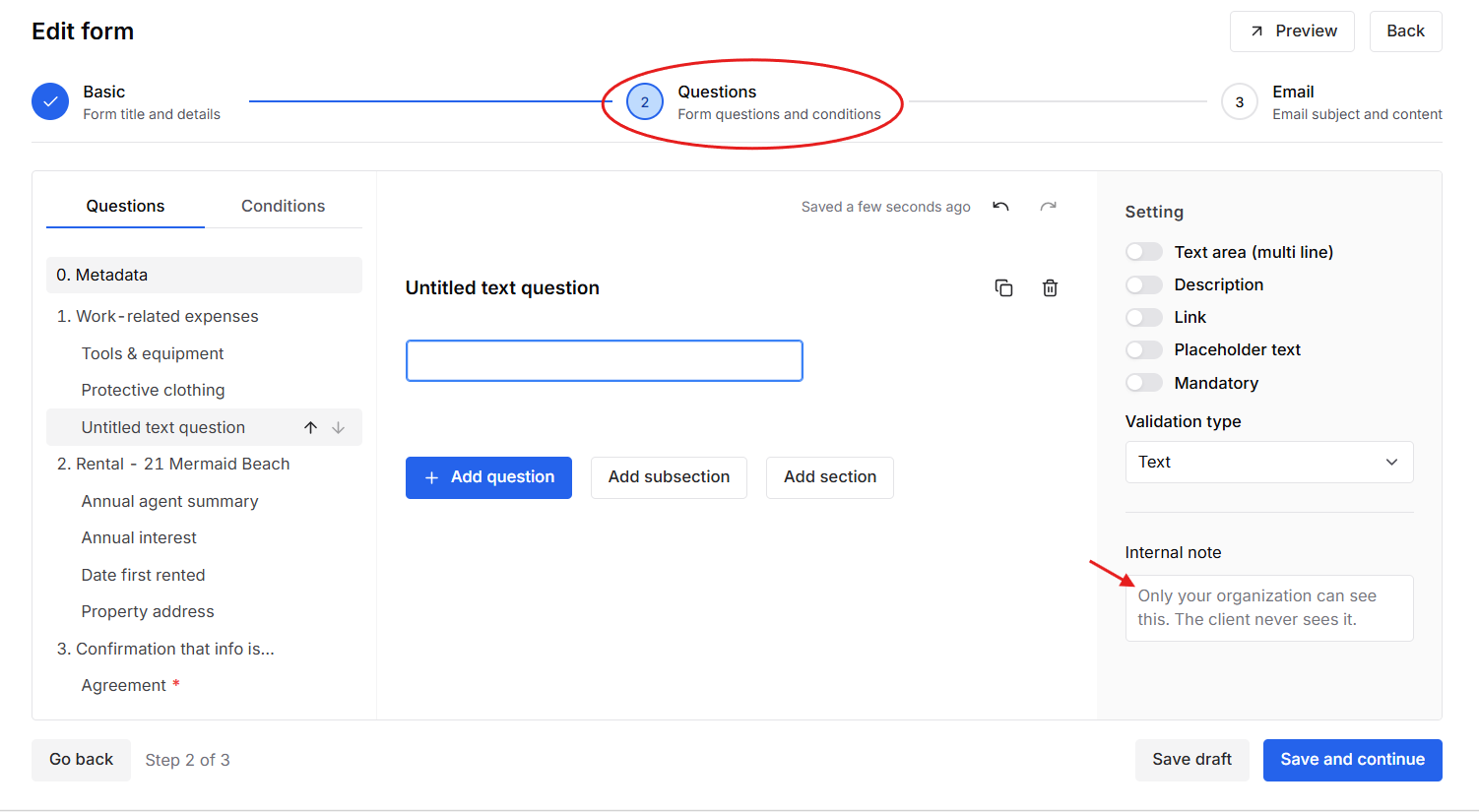
Area where you can add "Internal note" for your team member view.
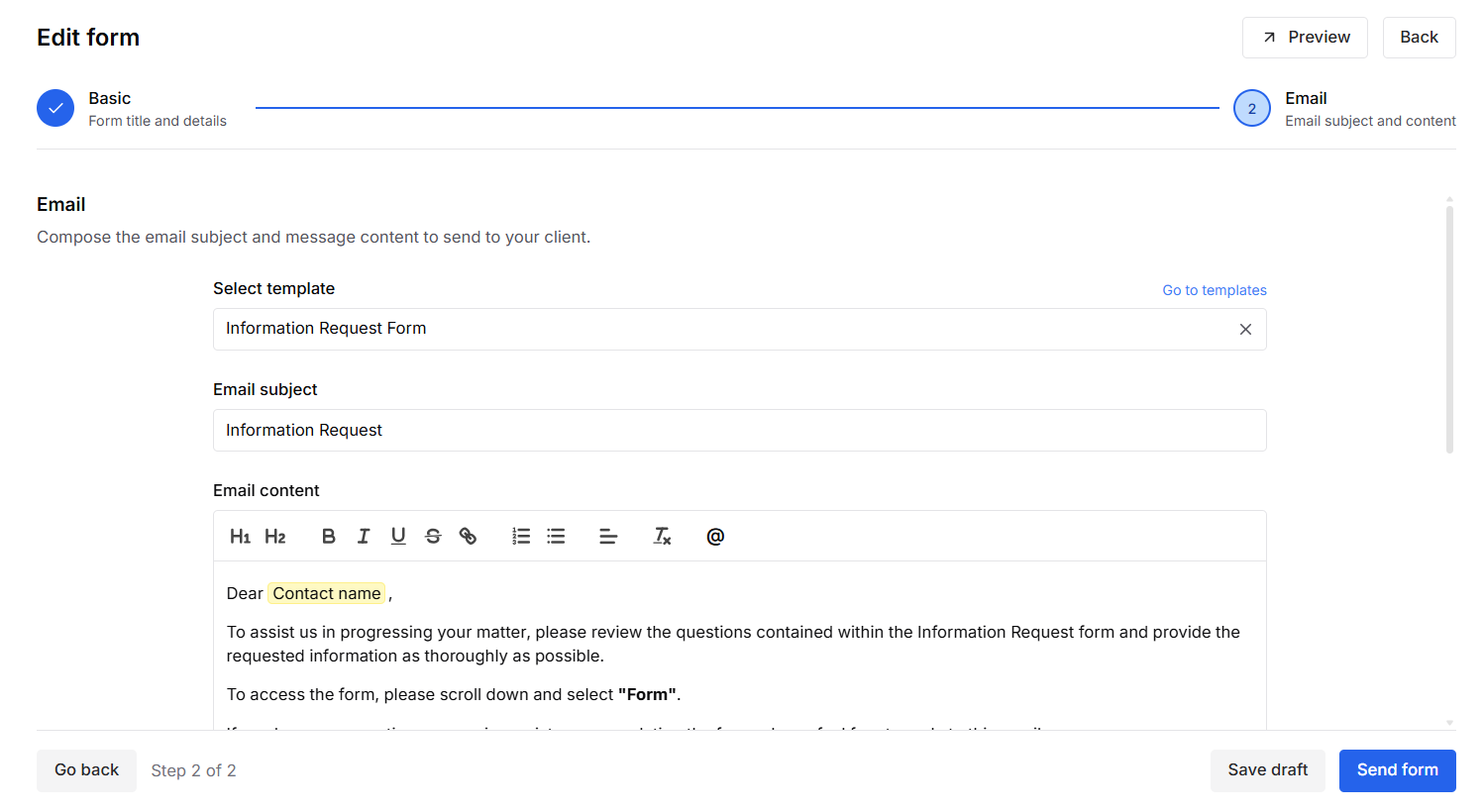
3. Email
Note: make sure to set-up template first. Learn more
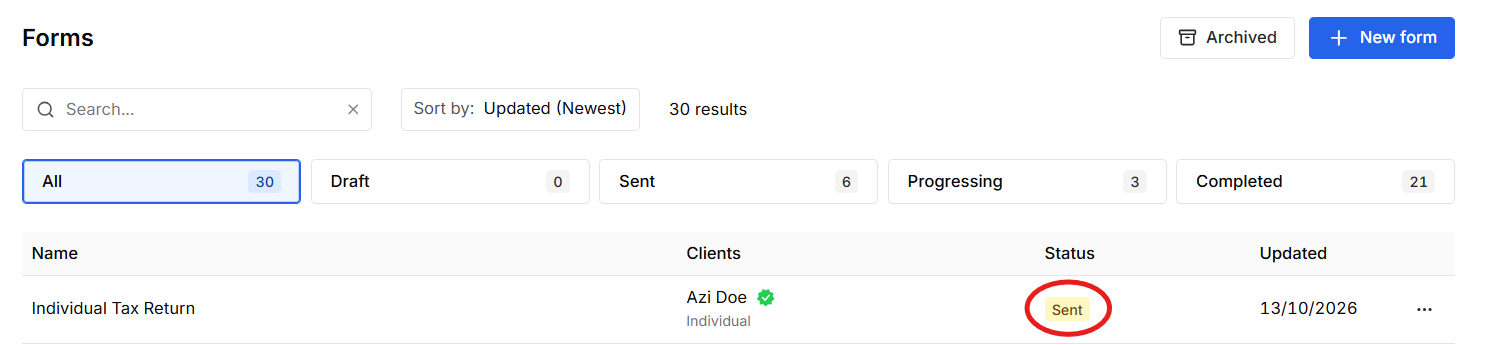
Monitor the completion status of questionnaires and track client progress.
Status:
Was this article helpful?
That’s Great!
Thank you for your feedback
Sorry! We couldn't be helpful
Thank you for your feedback
Feedback sent
We appreciate your effort and will try to fix the article