Practice Management: Importing Client Lists from LodgeiT

Modified on Fri, 12 Jun at 10:00 AM


Step 1: Export Data from LodgeiT

From your LodgeiT dashboard:

1. Open your client list.

2. Click the three dots menu

3. Select:

  • Export Client to CSV → Generates the Clients CSV file
  • Export Relationships to CSV → Generates the Relationships CSV file

Related guide: Client Export

Step 2: Understand LodgeiT Export Fields

In your Clients CSV export file, note:

  • Email field: Identifies the human client (individual contact).

                    Located in column J (First Name); K (Middle Name); L (Last Name); (Email)


  • Primary Email field: identifies the primary contact for Companies, Trusts, and Partnerships.

                    Located in column AO (Primary Email Contact) and column AP (Primary Email)

Cleint Relay mapping rule

  • Email field: Used to create an Client RelayContact.
  • Primary Email field: Used to assign relevant signatories for non-human CLIENT (companies, trusts, partnerships, SMSFs).


Step 3 – Understand Relationships

From the Relationships CSV file, Client Relay automatically reads and applies the following roles:

  • Director
  • Partner
  • Trustee (For corporate trustees, Client Relay   will also link the directors of the trustee company).

These relationships allow Client Relay   to setup relevant Contacts to act as signatories on the given non human Client records for trusts, SMSFs, companies & partnerships.

Step 4 – Import Data into Client Relay


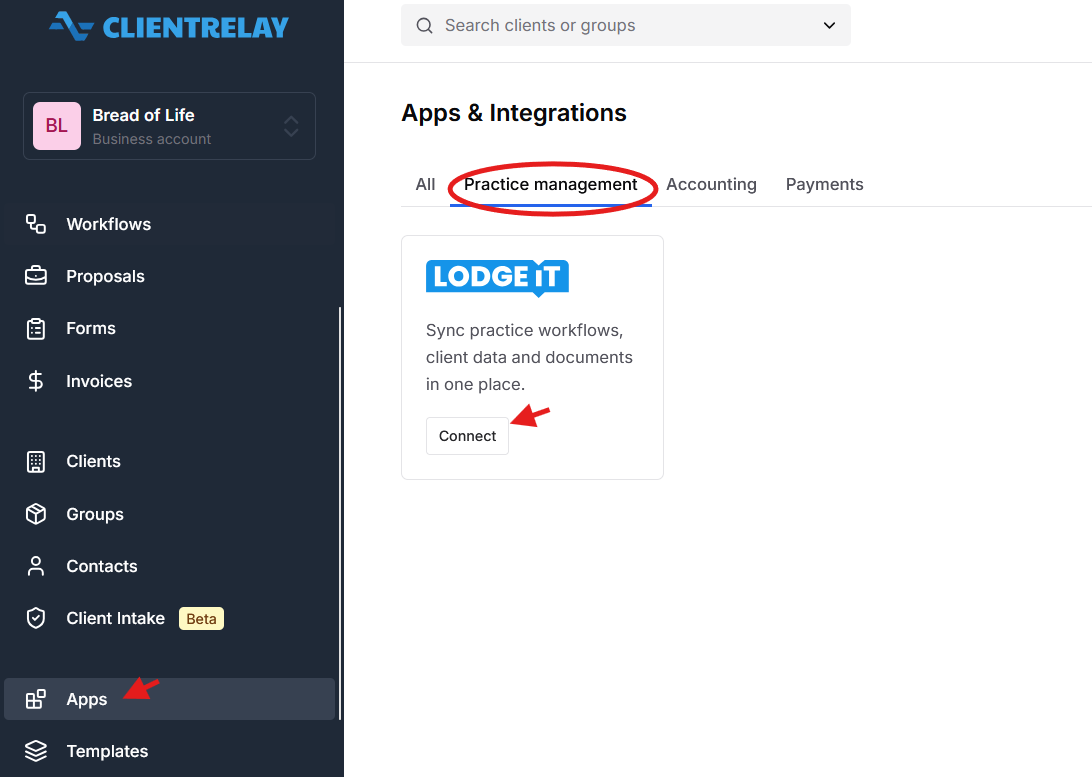
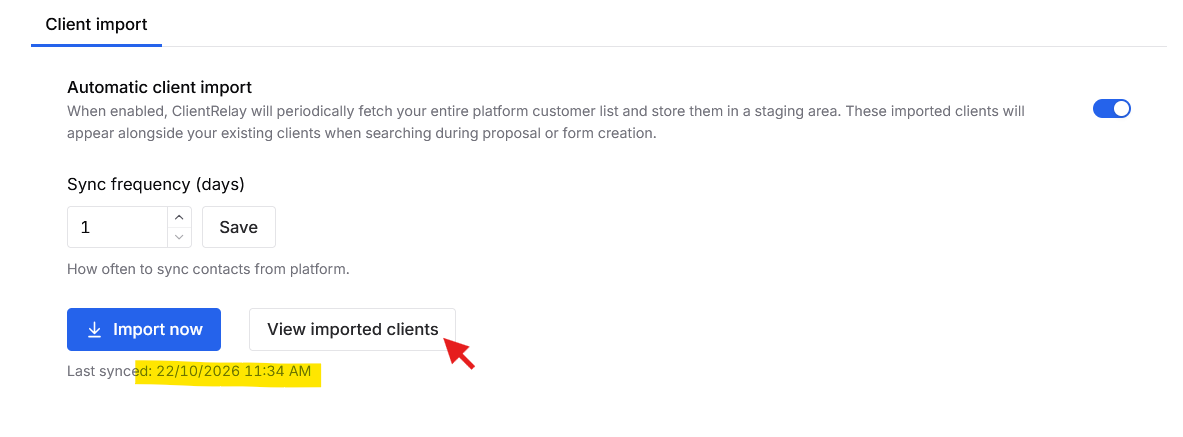
1. Go to the Apps > Practice Management 

2. Click Import Clients.

 Once completed, your LodgeiT clients and their relationships will be imported and correctly structured in Client Relay.


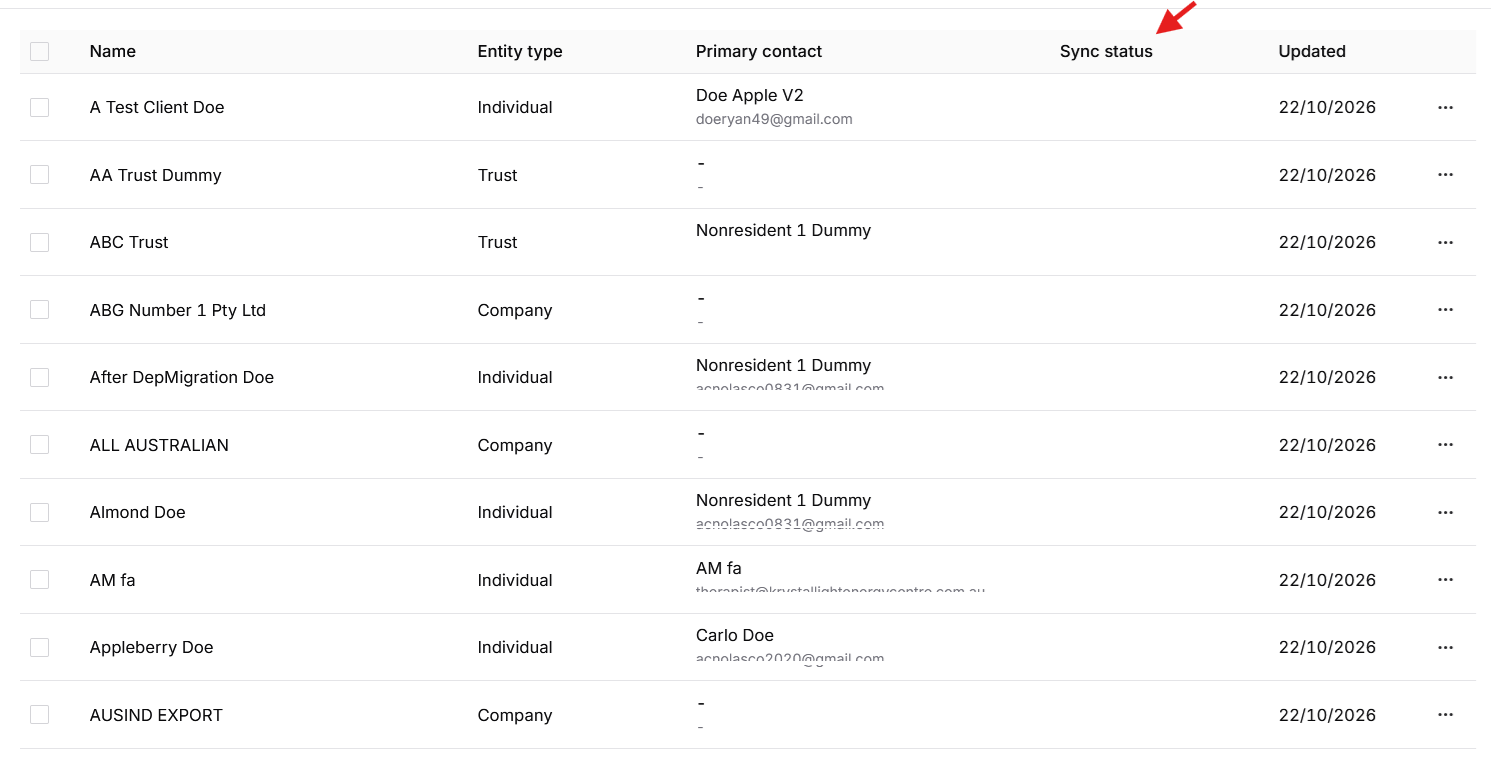
 Import Client in Client Relay


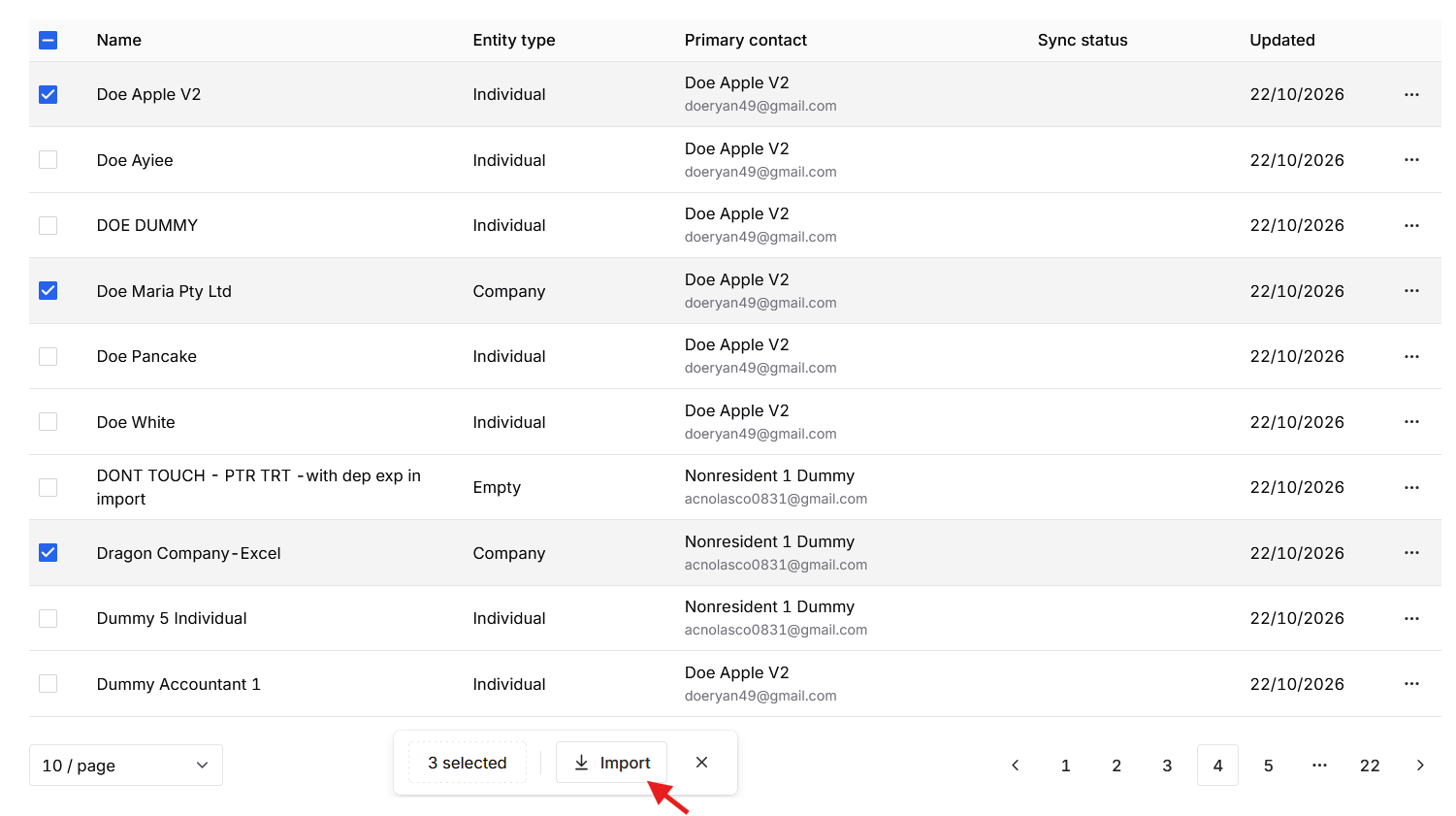
Illustration: The user will import only a selected "Client" from the imported client list. 


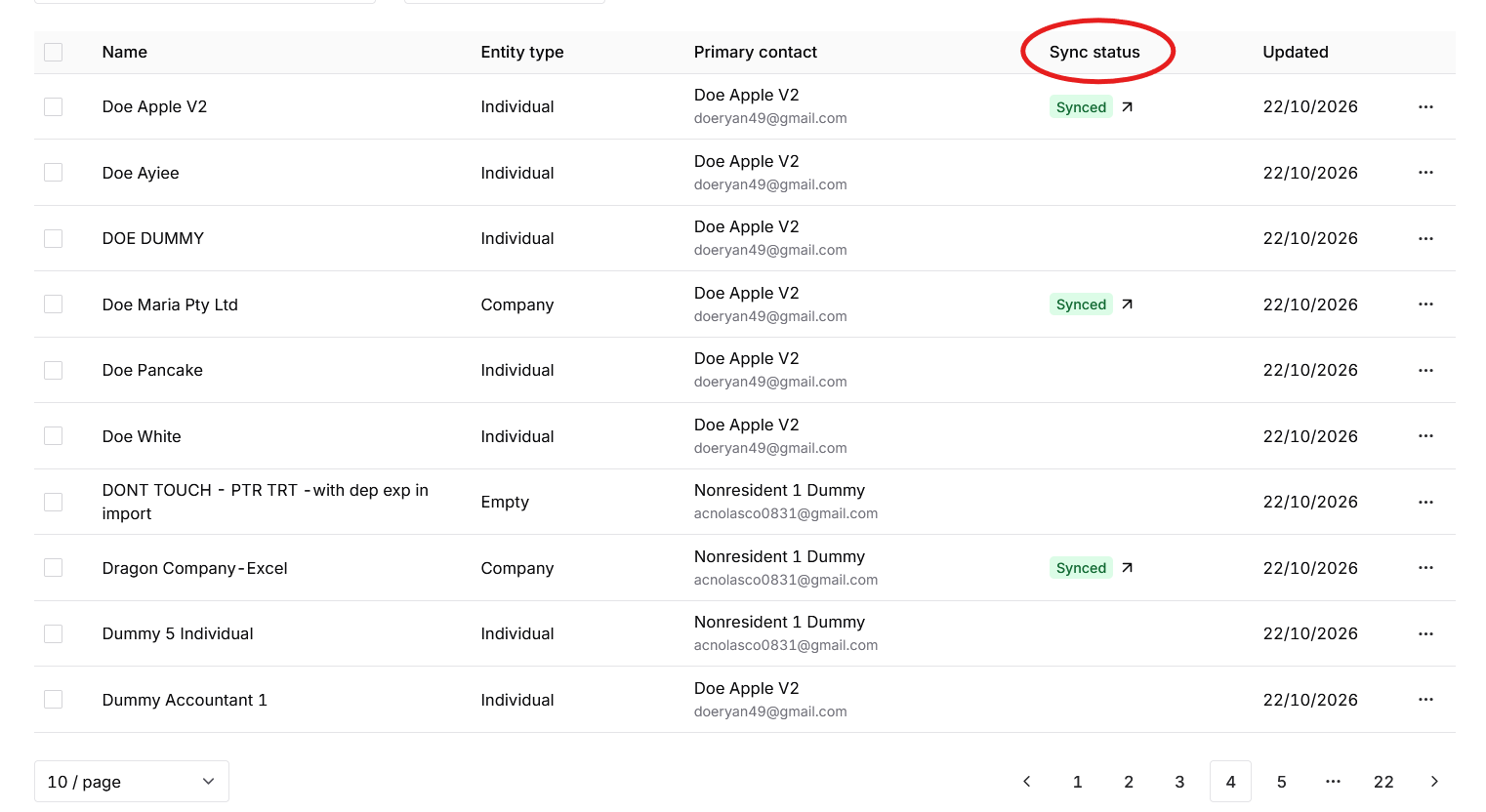
Result: 


"Sycned" means that data and record are now stored in Client Relay "Clients"


Apple Pty Ltds record is already in Client data base. 

Was this article helpful?

That’s Great!

Thank you for your feedback

Sorry! We couldn't be helpful

Thank you for your feedback

Let us know how can we improve this article!

Select at least one of the reasons
CAPTCHA verification is required.

Feedback sent

We appreciate your effort and will try to fix the article